 SyncList
Keep everyone
on the same list.
Groceries, errands, and everyday tasks, all in a place you can share. Make the list together and keep track of what still needs doing.
Free app with advertising. Optional Premium for higher cloud limits and an ad-free experience.
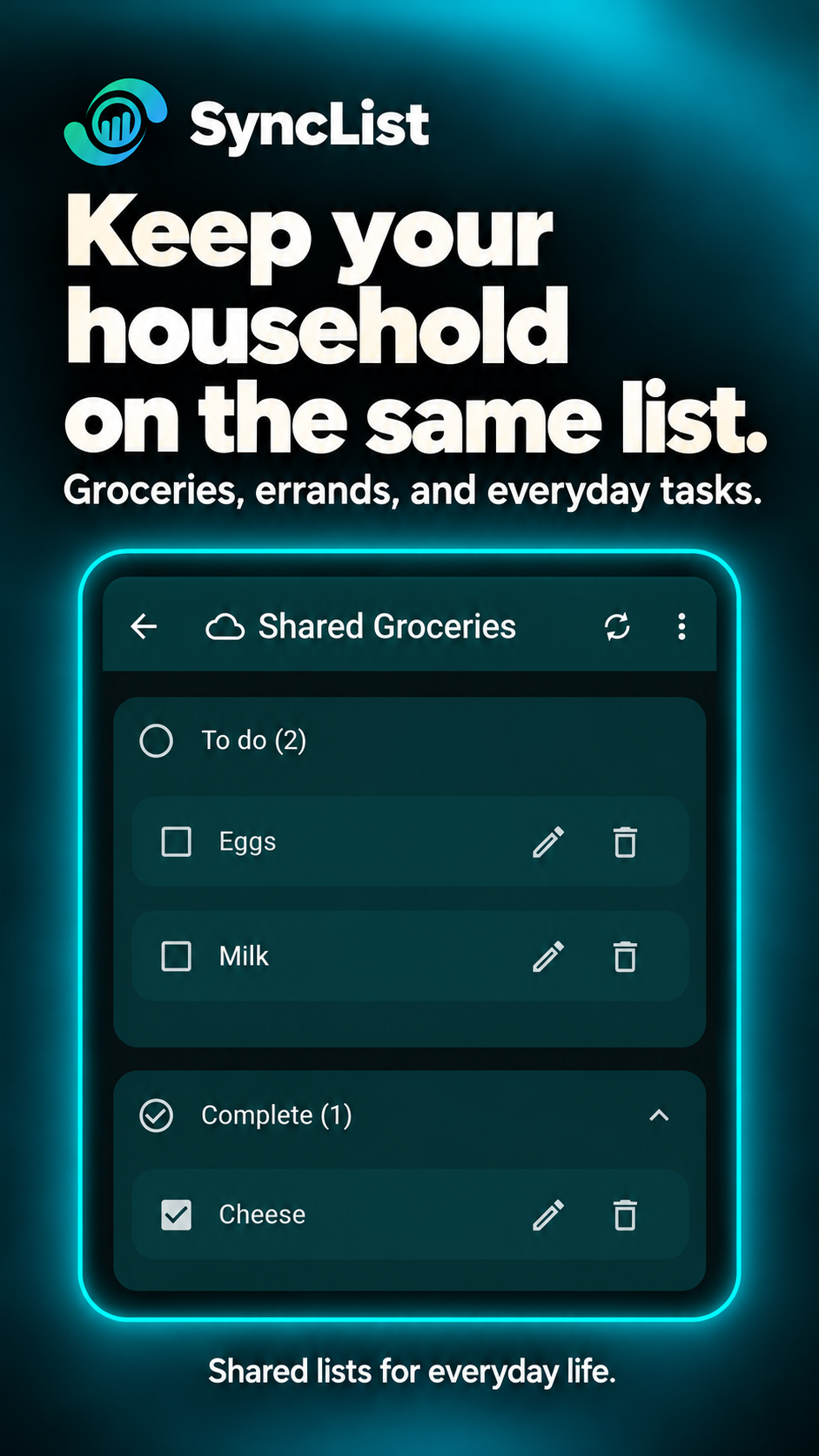
For the things life runs on
Less to keep in your head.
One shopping list.
Keep what you need in one shared place, from the first idea to the last item in the basket.
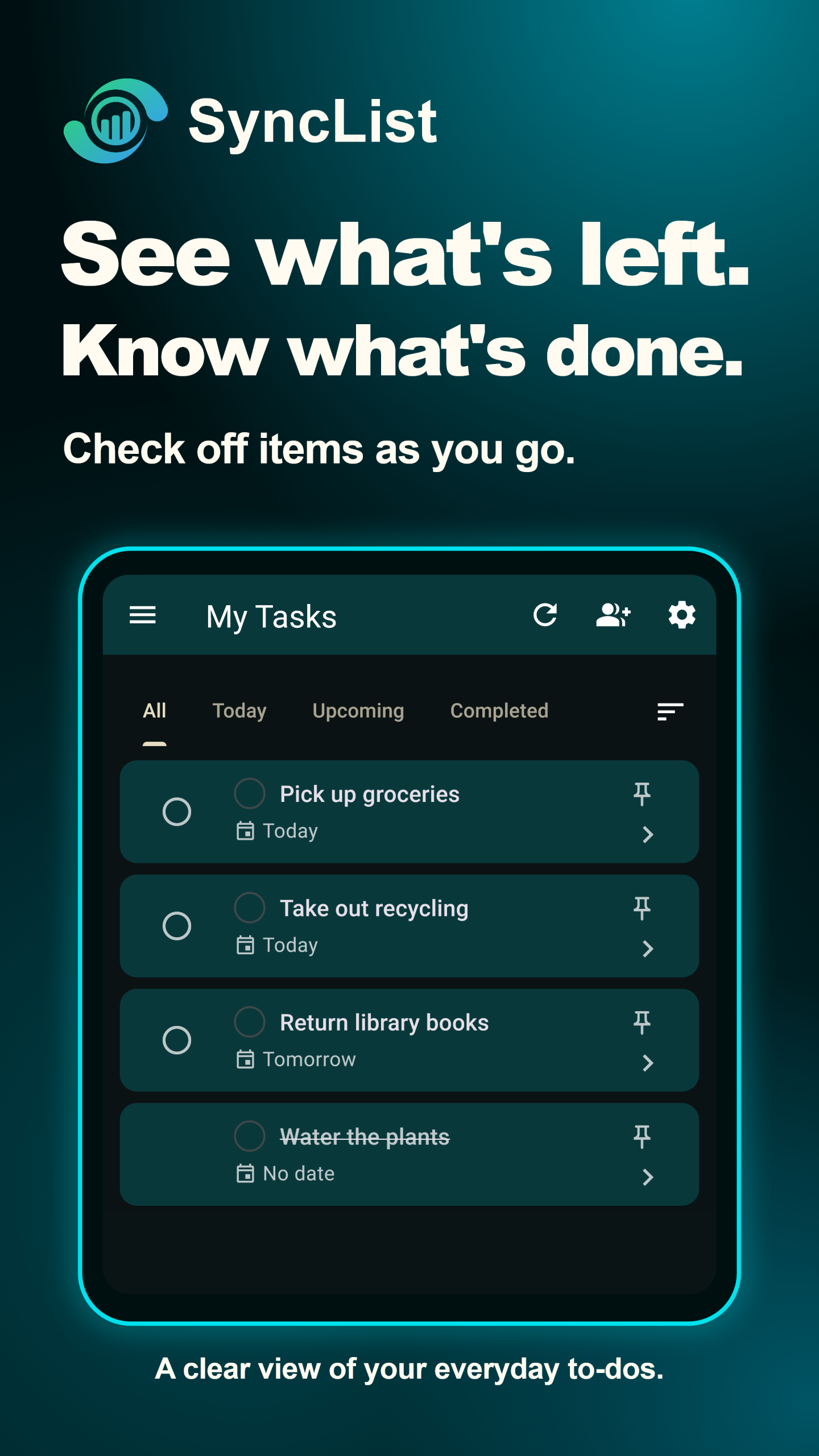
Know what’s left.
Put the small jobs on a list and mark them complete as they get done.
Plan it together.
Share a cloud list with your partner, family, or roommates so everyone can see what needs doing.
A little structure helps
Know what’s next.
See what’s done.
- Give everything a place.Group items into sections and add notes for the details.
- Make time for the important things.Add due dates and reminders to tasks.
- Start the next list faster.Save templates for shopping trips and routines you repeat.
Your lists, your choice
Keep it local. Or bring people in.
Choose the kind of list that fits the job. A personal checklist and a shared grocery list don’t need the same setup.
Just for this device.
Keep a personal list on your device when you don’t need cloud syncing or sharing.
Local-only lists do not use cloud storage.
For syncing and sharing.
Use a cloud list when the list needs to stay connected, and invite the people you want to share it with.
Cloud features need an internet connection. Account requirements depend on the list type and feature.
Free use includes advertising and third-party services. Our Privacy Policy explains data use and the choices available.
Free and Premium
Start simple. Make room for more.
Use the free app for your everyday lists. Choose Premium when you need higher cloud limits.
Get your lists in order.
- Create and manage local lists
- Use cloud lists within the free limits
- Share lists for everyday collaboration
Includes advertising. Cloud-list, storage, and feature limits apply.
More room to coordinate.
- Higher cloud-list and storage limits
- More active task confirmations on supported shared account cloud lists
- An ad-free experience
Available plans, prices, and renewal terms are shown before you subscribe.
Does every list have to be in the cloud?
No. Local lists stay on your device. Choose a cloud list when you want syncing or sharing.
What do I need to share a list?
Sharing uses a cloud list and an internet connection. Sign-in requirements depend on the list type and the features you use.
Can I keep list conversations together?
Text chat is available with shared cloud lists, so messages can stay with the relevant list.
What are task confirmations?
On supported shared account cloud lists, Needs confirmation assigns a task to a list member with a confirm-by time. Active confirmation limits depend on your plan.
Start with your next grocery run.
One list is a good place to begin.